Simple by Design
How Independa Works
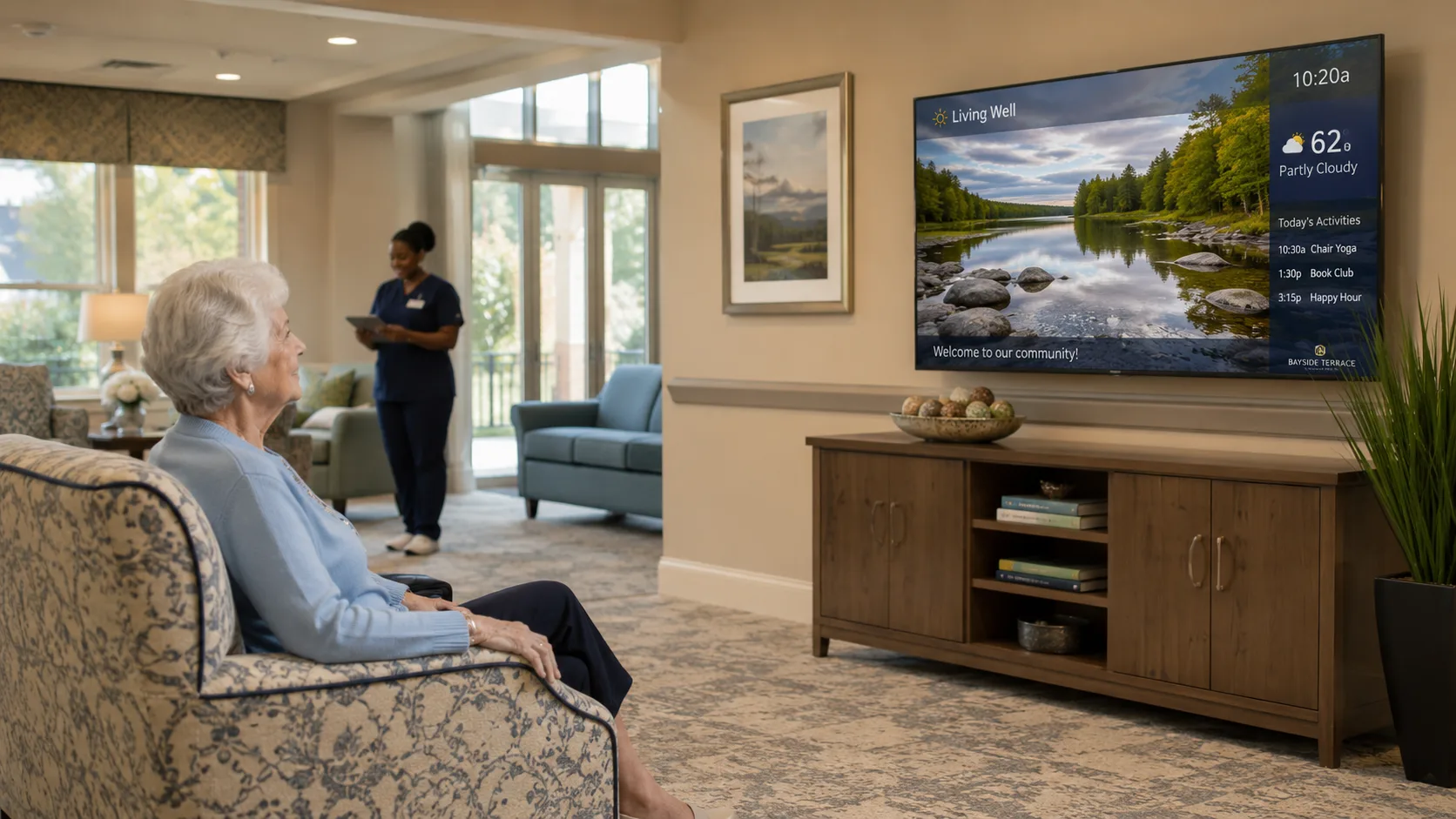
Independa turns your existing TV into a health and connection hub. Three steps — and you're connected.
Get Your Device
Use any LG or Sony Smart TV (2021+), connect an Independa AnyTV Companion™ to any HDMI TV, or open Chrome on a computer or tablet. LG TVs come with Independa built-in.
Register in Minutes
Use the Independa mobile app to register. The process takes just a few minutes — no tech expertise needed. Your care team or family can set it up for you.
Stay Connected & Healthy
Video chat with family, access health services, receive medication reminders, and enjoy wellness content — all from your TV or screen. Simple as watching TV.
Compatible Devices
Works On Your Existing Screen
No need to buy new technology. Independa works with what you already have.
LG Smart TVs
2021 and newer
Independa is built directly into LG's WebOS platform. No extra hardware. Notifications appear regardless of what you're watching.
Sony Smart TVs
Select models
Full Independa Health Hub® experience on your Sony TV.
Independa AnyTV Companion™
Any HDMI TV
A small device that plugs into any TV with HDMI. Works on TVs manufactured in the last 16+ years. Includes remote, setup takes 5–10 minutes.
Chrome Browser
PC, Mac, Tablet
No hardware needed. Open Health Hub directly in Chrome on any computer or tablet. Full feature access.
Built for Everyone
Designed to Be Simple
Study after study shows that standard video tools are too complex for today's generation of seniors. Independa solves that.
No passwords to remember
No app updates to manage
No complex gestures
Works with your existing remote
Family sets it up for you
Support available 800-815-7829
Ready to Get Connected?
Start free — no registration required. Works on your TV right now.